
Edit collapsed pasted blocks in Claude — right where they are.
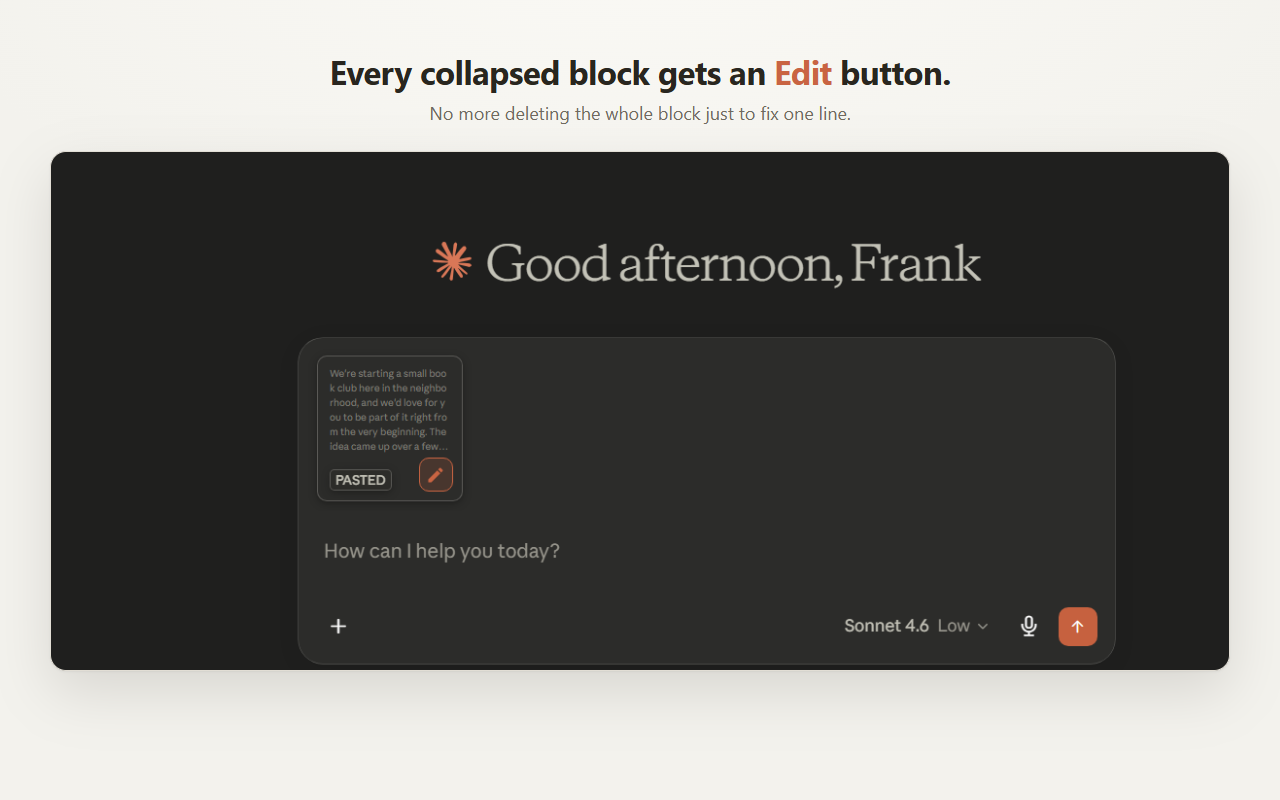
Paste a big block into Claude and it collapses into a “PASTED — N lines” attachment you can’t edit. This free extension adds an Edit button so you can fix a line without deleting the whole block and pasting it all again.
- Chrome
- Manifest V3
- storage-only
- No account, no tracking
The problem
A collapsed block is a dead end.
When you paste a large chunk of text — code, a log, JSON, a long document — Claude folds it into a collapsed attachment. There’s no way to open it back up and change one line. Your only option is to delete the whole block and paste a corrected version from scratch.
How it works
Three steps, no copy-paste gymnastics.
Paste as usual
Drop your big block into Claude. It collapses into a “PASTED” attachment, exactly like today.
Click the pencil
A small Edit icon appears on the block. Click it to open the text in a clean editor with a line counter.
Fix & save
Edit the text, press Ctrl+Enter to save (Esc to cancel). The block is rebuilt with your changes — ready to send.
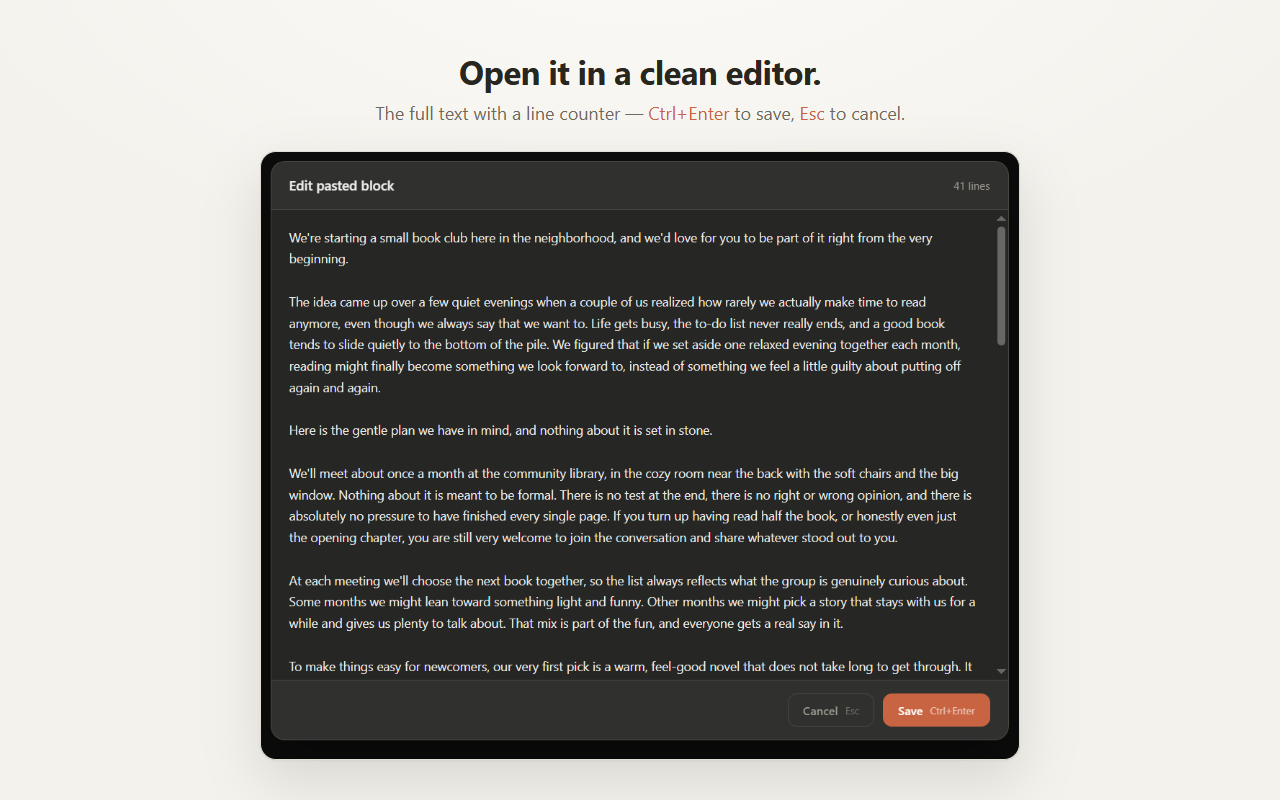
v1 edits blocks you paste in the current session — the in-the-moment fix.
Privacy
It does one thing, and nothing else.
No backend, no servers, no accounts, no analytics. Your text never leaves your browser.
✓ Two permissions, total
Local storage and access to claude.ai. That’s the entire permission footprint.
✓ Stays on your machine
The original paste is kept in local browser storage only, so you can reopen and edit it. Nothing is sent anywhere.
✓ No tracking
No analytics, no telemetry, no third-party scripts — on the extension or this site.
✓ Only on Claude
The content script runs on claude.ai and nowhere else. It’s idle everywhere else.
Stop deleting blocks to fix one line.
Add the extension and edit pasted blocks in place.
Add to Chrome — it’s free